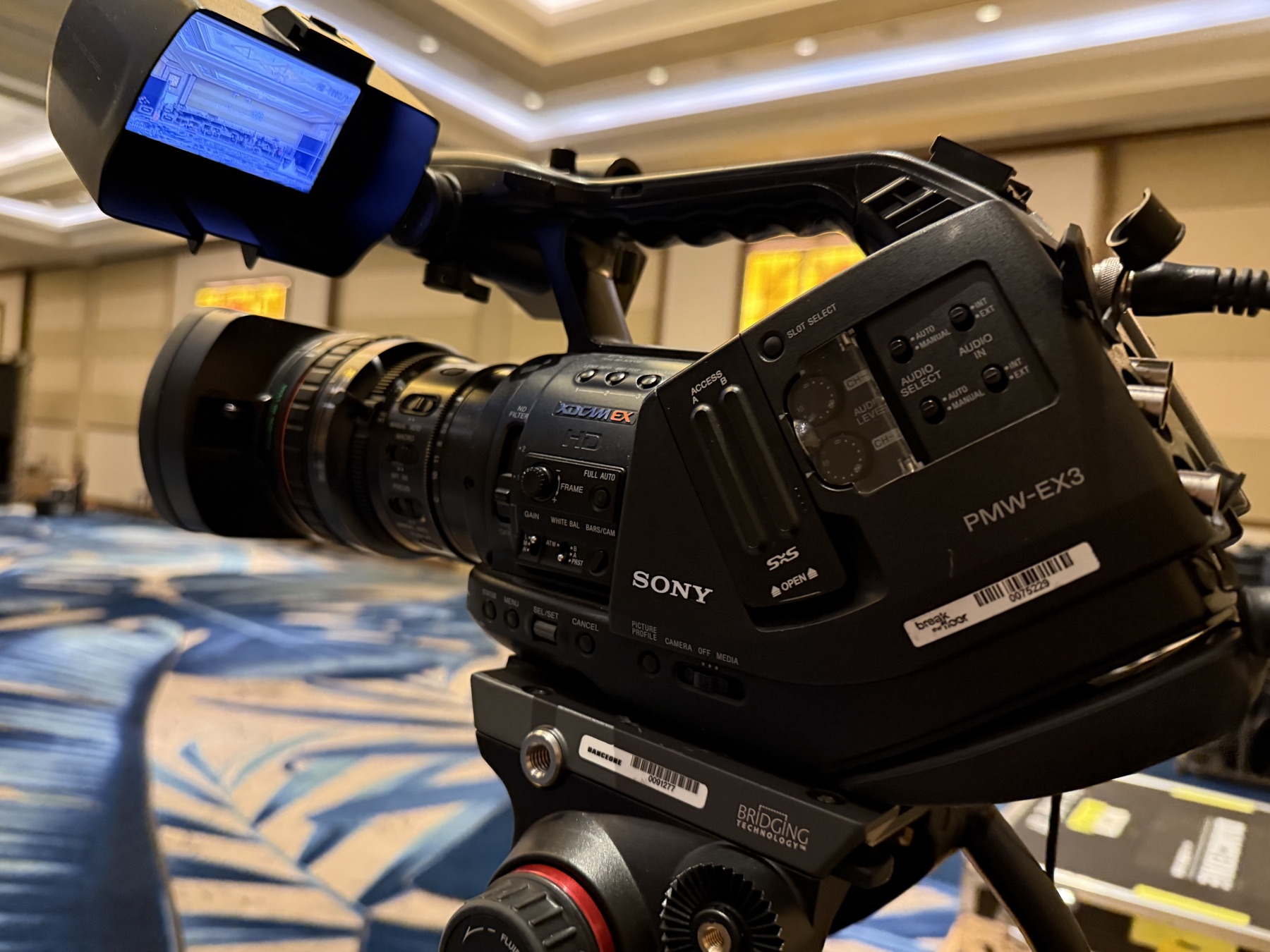
The top 8 livestream failures that put events on social media for the wrong reasons — and the redundancy that prevents each.
These are the real failures that ship live broadcasts to "blooper reel" status. Production crews that have lived through them have built specific protocols. Here's the framework.
Failure 1: Encoder crash
What happens: The streaming encoder freezes mid-event. The stream goes black, the audience refreshes, the embarrassment compounds.
Real story: Q4 earnings call. Encoder froze 12 minutes in. Stream went black for 8 minutes before backup engaged. Stock moved $2 over the gap.
Prevention: dual-encoder redundancy
Run two encoders in parallel. Either:
- Hot-active backup: Both encoding simultaneously, automatic failover at the CDN
- Hot-standby: Backup is encoding but not streaming until primary fails, then takes over within 5-10 seconds
Cost: an additional encoder ($1-3K) plus configuration time. Worth every dollar.
Failure 2: CDN dropout
What happens: Your CDN (YouTube, Vimeo, Brightcove, custom) goes down. Stream technically encoding fine but viewers see nothing.
Real story: Major corporate town hall. CDN had a regional outage during the keynote. 8,000 viewers watched a buffering wheel for 14 minutes.
Prevention: dual CDN paths
- Primary CDN: YouTube Live or Brightcove
- Backup CDN: Vimeo Pro or alternate streaming service
- Pre-event communication: stream URL list on the event page so viewers can switch
Most enterprise streaming platforms (Brightcove, Wowza Streaming Cloud) have multi-CDN fallback built in. For YouTube/Vimeo direct, you need to configure it manually.
Failure 3: Audio bleed (house mix into stream)
What happens: Stream listeners hear the room — coughing, side conversations, presenter walking near a stage mic that picks up the in-room PA.
Real story: Fortune 500 sales kickoff. Stream listeners heard the audience laughing at jokes that were "off-stream." VP cracked an off-color joke during a non-stream moment that went out anyway.
Prevention: dedicated stream mix
- Separate audio mixer for stream feed (or DSP allocation)
- Different mic levels for stream vs. house
- Critical mic feeds (lavalier on speaker) get cleaner stream send
- Stage mics that pick up audience reaction get muted or limited on stream
- "Off-mic" monitoring by audio engineer during the event
Stream audio engineering is a different skill from house audio engineering. Sometimes it's the same person; for high-stakes broadcasts, it's two different people.
Failure 4: Camera drift
What happens: PTZ cameras drift off their preset framing. The speaker walks 6 inches to the right and they're now half-out of frame.
Real story: Multi-camera church livestream. Camera 2 (close shot on speaker) drifted over an hour, ended the service framing the empty space next to the pulpit.
Prevention: manned + PTZ failover
- Mix manned cameras with PTZ for critical shots
- PTZ presets recalibrated at the start of every service / session
- Manned camera as backup framing if PTZ drifts
- Real-time switcher operator catches drift and cuts away
For purely-PTZ setups: re-set presets monthly. PTZ encoders drift over time, and recalibration prevents accumulated error.
Failure 5: Comms breakdown
What happens: Headset comms between control booth, stage, and director fail. Now nobody knows when to cue, when to change shots, when to wrap.
Real story: Live awards broadcast. Comms cable went bad mid-show. Director couldn't talk to camera ops. Show ran 12 minutes long and missed two presenters because nobody could communicate timing.
Prevention: mesh comms
- Wired primary (Clear-Com) for critical positions
- Wireless backup (Motorola or RTS) for mobile crew
- Pre-show comms test on every position
- Alternate hand-signal protocol if both fail
Don't use commodity walkie-talkies for production comms. Use real production-grade gear with documented frequency coordination.
Failure 6: Stream lag breaking Q&A
What happens: Stream has 30-90 seconds of latency. Remote attendees ask questions that are out of sync with the live event. Q&A becomes incoherent.
Real story: Hybrid corporate event. Remote questions came in 60 seconds late. Live audience watched questions get answered for previous topic. Brand-damaging confusion.
Prevention: latency planning
- For low-stakes streams: standard latency (10-30s) is fine
- For Q&A-heavy events: low-latency mode (1-5s) on stream
- Choose CDN that supports low-latency (LL-HLS, LL-DASH, WebRTC)
- Build Q&A workflow that handles latency gap (queue questions, batch them)
For events where Q&A is critical: invest in WebRTC or LL-HLS infrastructure. Adds $2-10K to the production cost but eliminates this entire failure mode.
Failure 7: Power blip
What happens: Brief power flicker shuts down half the AV stack. Encoder reboots, switcher reboots, mics drop. Stream is gone for 3-5 minutes during recovery.
Real story: Outdoor corporate event. Generator brief shutdown for fuel transfer. Stream went down, lighting cut, audio cut. 200-attendee audience saw 4 minutes of dark while crew rebooted everything.
Prevention: UPS + clean power
- Critical encoders + switchers on UPS (10-15 minute battery)
- DSP on UPS
- Streaming computer on UPS
- Generator backup for venues without reliable shore power
- Power-conditioning on input feeds
A $500-2,000 UPS prevents the power-blip failure mode entirely. Cheapest insurance in the broadcast stack.
Failure 8: Operator error
What happens: Volunteer or new staff makes a mistake — wrong camera selected, wrong audio source, wrong macro fired. Show goes off rails for 30-60 seconds while they recover.
Real story: New operator at church livestream. Hit "stream end" button instead of "next scene" during the worship set. Stream ended mid-song. Re-stream took 6 minutes.
Prevention: tech rehearsal protocol
- Tech rehearsal: full crew + presenters + 1-3 hours of run-through
- Macros over manual: scenes for common moments instead of multi-button sequences
- Confidence monitor: operator sees what's going to viewers in real-time
- Two-key destructive operations: "stream end" requires confirmation
- Documented playbook: physical reference at every position
- No solo runs: never run a critical broadcast with only one trained operator
The single biggest mitigation for operator error is tech rehearsal. Skipping it saves 2 hours and risks the entire broadcast.
Putting it together: the 8-point pre-flight check
Before any high-stakes broadcast:
- Encoder primary + backup running
- CDN primary + backup configured
- Stream audio mixer separate from house
- Camera presets recalibrated
- Comms tested on every position
- Latency tested with sample Q&A
- UPS + power conditioning on critical components
- Tech rehearsal completed with full crew
If all 8 are checked, you're as protected as production broadcasts get. If any are missing, that's where the failure will come from.
How we run high-stakes broadcasts
Honest disclosure: we crew broadcasts for production companies, plus we produce smaller corporate broadcasts ourselves. Our standard pre-flight covers all 8 points above.
If you're running a high-stakes broadcast and want crew that's lived through these failures, we're a real call.
📞 (407) 885-5770 · 📧 info@axiosprosolutions.com
Have a project that fits this topic?
Skip the article — talk to the team that writes them. We get back to you fast, often within the hour.
Related reading
Other guides in this track.